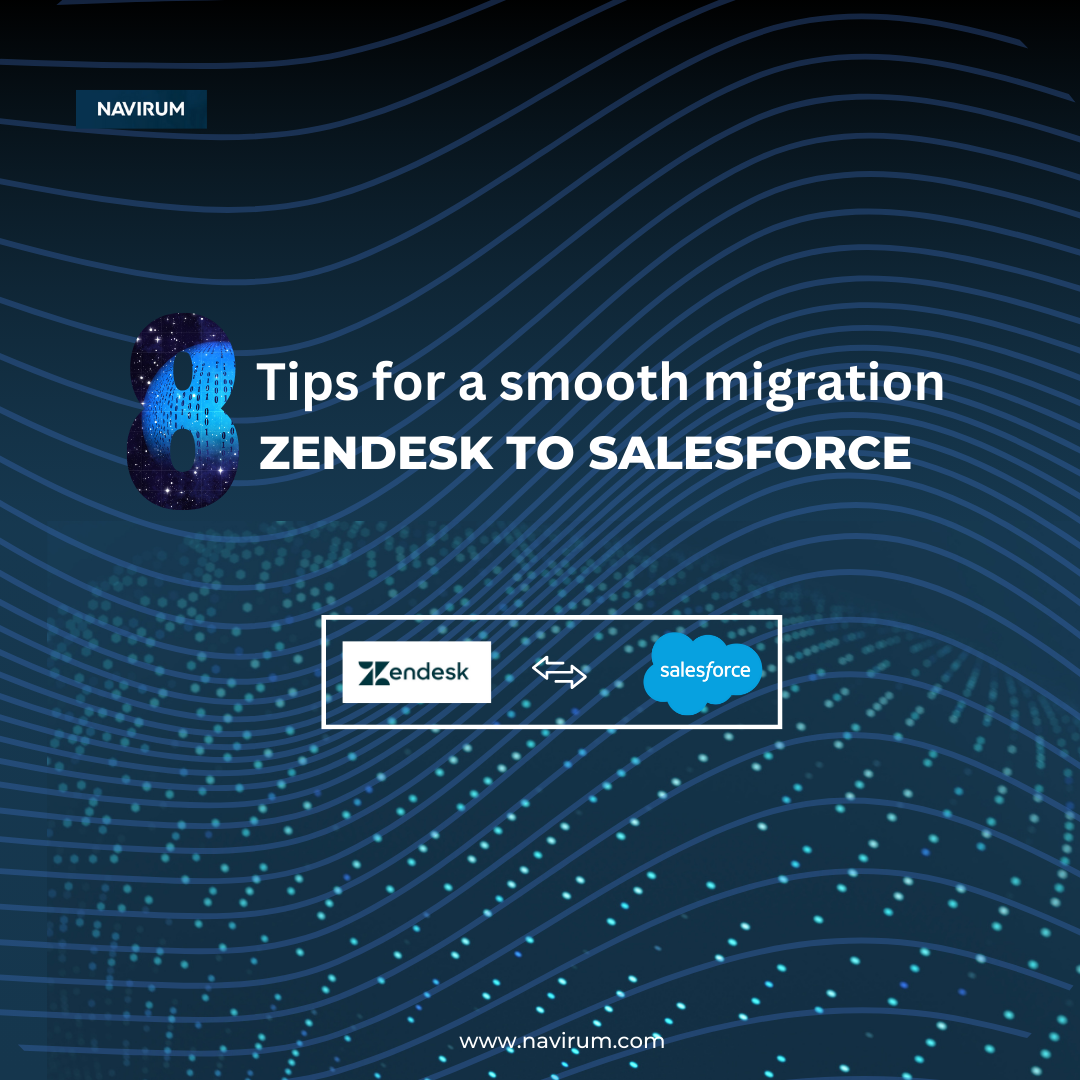

How to Ensure a Smooth Migration from Zendesk to Salesforce: A Step-by-Step Guide
Migrating from Zendesk to Salesforce is a strategic move that can unlock powerful CRM capabilities, streamline operations, and improve customer support. But without careful planning, it can also lead to delays, data issues, and user frustration.
To help you avoid common pitfalls, our Salesforce experts have created a step-by-step migration guide that covers everything from data mapping to user adoption, ensuring a smooth, stress-free transition.
Start with a Thorough Assessment
Before you begin, take a close look at your current Zendesk setup:
- Analyze existing data structures, custom fields, automations, and integrations.
- Identify stakeholders across departments who should be involved in the migration.
- Define clear goals and success metrics for the project.
- Create a comprehensive migration plan with timelines, roles, and milestones.
💡 Pro Tip: Having a dedicated project manager or migration lead ensures accountability and keeps things on track.
Map and Transform Your Data
Next, plan how your Zendesk data will move into Salesforce:
- Map each Zendesk field to its corresponding field in Salesforce.
- Identify where data transformations are needed (e.g., status values, date formats).
- Use data migration tools or scripts to automate the transformation process and reduce manual work.
🛠️ Tools like Salesforce Data Loader, MuleSoft, or third-party migration tools can simplify this process significantly.
Clean and Validate Your Data
Clean data is key to a successful migration:
- Remove duplicates, outdated records, and incomplete entries in Zendesk.
- Run data validation checks to ensure accuracy before migration.
- Establish ongoing data governance policies to maintain quality after the switch.
⚠️ Skipping this step can result in poor CRM performance and user frustration post-migration.
Customize Salesforce for Your Business
Salesforce offers endless flexibility, but thoughtful configuration is essential:
- Rebuild Zendesk’s workflows using Salesforce automation tools like Flows, validation rules, and approval processes.
- Create custom objects and fields where needed.
- Engage Salesforce developers or consultants for complex customization.
Bonus: Use Salesforce’s Financial Services Cloud or Service Cloud for industry-specific functionality.
Integrate with Other Systems
Ensure Salesforce fits seamlessly into your broader tech stack:
- Identify all systems that currently connect to Zendesk (e.g., ERP, ticketing, email).
- Use APIs or integration platforms to connect Salesforce with these systems.
- Perform end-to-end testing to validate data flow and accuracy before go-live.
Think long-term: build integrations that support scalability as your business grows.
Train Your Team for Success
Even the best system fails without user adoption:
- Provide role-based training tailored to different user groups (support, sales, management).
- Offer how-to guides, live sessions, and onboarding videos.
- Create a feedback loop to quickly resolve user concerns post-launch.
Make training continuous, not just a one-time event.
Communicate the Change Effectively
Change management is just as important as the tech:
- Share the “why” behind the migration early and often.
- Involve key users in testing and feedback.
- Set up a communication plan to update teams at every phase of the project.
When employees feel heard, they’re more likely to embrace new tools.
Monitor and Optimize After Go-Live
Your migration doesn’t end at launch:
- Track user adoption, system performance, and data accuracy.
- Regularly update configurations based on real-time feedback.
- Schedule periodic reviews to optimize workflows and maintain data integrity.
Continuous improvement is key to long-term CRM success.
Make Your Zendesk to Salesforce Migration a Success

The steps above will get you migrated. What separates a good migration from a great one, especially for financial services and other regulated firms, is what happens around the migration: compliance, security, and how well your team adopts the new system.
- Compliance and security: implement role-based access, encrypt sensitive customer data, and maintain full audit trails. Non-negotiable for regulated industries.
- Process redesign: use the migration to rebuild Zendesk workflows with Salesforce automation, not copy them one-to-one.
- Continuous optimization: testing and go-live are the starting line, not the finish line. Budget time for iteration after launch.
Get these fundamentals right alongside the eight steps above, and your Zendesk to Salesforce migration will do more than move data: it will set your team up to grow into the platform for years to come.
At Navirum, we specialize in helping financial service companies and other organizations seamlessly transition to Salesforce. Whether you need help with migration strategy, customization, or post-launch optimization, we’re here to guide you every step of the way.
Ready to Migrate to Salesforce?
Contact Navirum for a free consultation and discover how we can help you unlock the full potential of Salesforce.
FAQs: Zendesk to Salesforce Migration
How long does a typical migration from Zendesk to Salesforce take?
The timeline varies depending on data complexity, customizations, and integrations. A straightforward migration may take 4–6 weeks, while more complex projects with heavy customization or legacy systems may take 8–12 weeks. Navirum can provide a detailed timeline after a discovery session.
Will we lose any data during the migration process?
No, if done correctly. With proper data mapping, cleansing, and validation, you can migrate all relevant data securely. Our consultants use proven tools and methodologies to preserve data integrity throughout the transition.
Can we migrate historical tickets and customer interactions from Zendesk to Salesforce?
Yes. You can migrate historical tickets, notes, attachments, and customer interactions into Salesforce. We work with you to define what data is critical and ensure it’s accurately migrated and accessible in your new system.
What Salesforce product should we migrate to: Service Cloud or another edition?
If you’re using Zendesk for customer support, Salesforce Service Cloud is the ideal replacement. For more industry-specific use cases (like financial services), we may recommend Financial Services Cloud or other tailored solutions. We’ll help you choose the right one based on your business needs.
Will our agents need a lot of training to switch from Zendesk to Salesforce?
Salesforce has a different interface, but with proper training and onboarding, most users transition smoothly. We provide role-based training, documentation, and live support to help your team get comfortable and productive quickly.
Can we keep our Zendesk workflows and automations in Salesforce?
In most cases, yes. We replicate and often enhance your Zendesk workflows using Salesforce automation tools like Flows, Process Builder, or custom Apex code when necessary.
What tools do you use for the migration?
Depending on your setup, we use tools like:
* Salesforce Data Loader
* MuleSoft or other iPaaS solutions
* Custom scripts or APIs
* Third-party tools like Skyvia, Talend, or DBSync
We choose the right toolset based on your data volume, complexity, and integration needs.
Is it possible to run Zendesk and Salesforce in parallel during the transition?
Yes, many firms opt for a staged rollout. This allows teams to test Salesforce while Zendesk is still operational. However, we recommend limiting the overlap period to reduce confusion and ensure data consistency.
What are the most common migration risks, and how do you mitigate them?
Common risks include:
* Data loss or corruption
* Poor user adoption
* Workflow misalignment
* Integration failures
Navirum mitigates these risks with thorough planning, testing, user training, and post-migration support.
What post-migration support do you offer?
We offer full post-migration support, including:
* Bug fixes
* Workflow optimization
* User training
* Data quality checks
* Ongoing admin support
Our goal is not just to get you live on Salesforce, but to ensure you get long-term value from the platform.