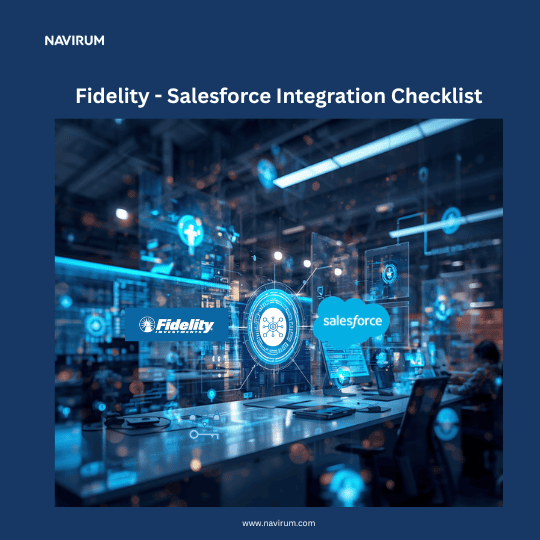
Fidelity–Salesforce Integration Checklist
Planning a Fidelity–Salesforce integration? Use this checklist to ensure your project is aligned with business objectives, security requirements, and long-term scalability. A structured approach will help reduce implementation risks, accelerate user adoption, and maximize return on investment.
Interactive Integration Flow Map
Hover over or tap on any database node or the API pathway to see how data synchronizes between platforms.
Explore the Integration Architecture
Click on any of the interactive nodes above to explore the technical systems and key data streams managed across this integration.
1. Define Business Objectives
2. Assess Your Current Environment
3. Plan Your Data Strategy
4. Determine Integration Scope
Ensure the following data and processes are included where applicable:
Client & Household Data
Account & Portfolio Data
Client Onboarding
Service Operations
5. Select the Right Integration Architecture
6. Data Quality & Governance
7. Security & Compliance
8. Build Intelligent Automation
9. Executive Reporting & Dashboards
10. Testing & Validation
11. Deployment Planning
12. User Adoption & Training
13. Measure Success After Go-Live
Track key performance indicators such as:
Take the Checklist with You
Get a clean, print-ready PDF of the Fidelity–Salesforce Integration Checklist. Perfect for sharing with your operations, compliance, and IT development teams during planning meetings.